

Improv Insights
Inspiration, opinions and practical advice – shaped by hands-on experience – around how to simplify and elevate WFM/HCM transformation.

The Best Workforce Management Software, 2026 Guide Broken Down by Industry
There is a reason nobody can give you a straight answer to the question "what is the best workforce management software." The question is missing the one detail that decides everything, which is what kind of workforce we are actually managing. This guide answers a better question. Which platform is best for the workforce you actually have?

UKG vs Workday Comparison: What Actually Decides It
When a shortlist narrows to UKG vs Workday, it means the organization has grown into serious territory and is choosing between two genuinely excellent platforms. Neither one is a bad decision. We have watched both succeed beautifully and we have watched both struggle, and in almost every case the difference had very little to do with the software itself. It came down to fit. Read this article to understand which one fits for your organization.

It Matters 01: Workforce Strategy Is Now Business Strategy
The difference between the organizations that made it and the ones that didn’t was not resources, not industry, and not luck. It was readiness.

It Matters 02: Time Is Not an Administrative Detail
Time is one of the most mismanaged assets in business not because leaders don't care about it, but because they cannot see where it is going until the impact has already compounded. When time gets displaced, the people least equipped to absorb the cost pay it first.

It Matters 03: Skills Are the New Workforce Currency
Skills are not an HR data problem. They are a business performance problem. When organizations cannot see, track, and connect employee capabilities to scheduling decisions, the cost shows up in missed sales, scheduling gaps, excess turnover, and customer experiences that fall short day after day, location after location.

It Matters 04: Your Managers Are the Operating System of Your Business
Managers are not an overhead line item. They are the operating system of your business. When they are running well with the right expectations, tools, and resources everything else runs better. When they’re not, the cost shows up everywhere: burnout, turnover, inconsistent customer experiences, and a performance gap leadership consistently misreads as a people problem rather than a planning failure.

It Matters 05: Employee Experience Works When It Is Balanced
What do you do when what employees want does not line up with what the business and its customers need? That question sits at the center of employee experience, and it is where many organizations quietly struggle. Read this article to learn how to solve it.
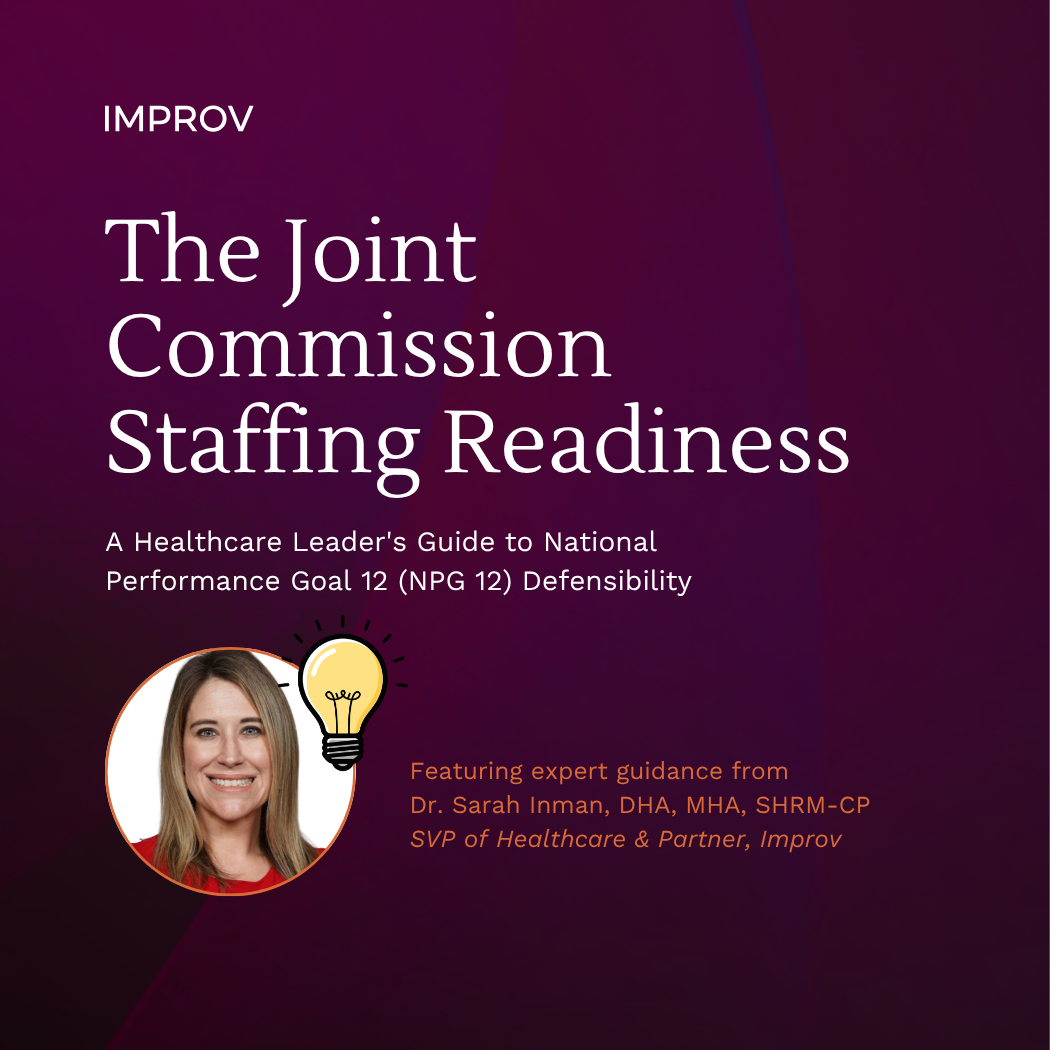
The Joint Commission Staffing Readiness eBook
This guide equips healthcare leaders with the regulatory knowledge and clinical context needed to understand what is coming, where most organizations fall short, and how to build a governance posture that holds up under Joint Commission surveyor scrutiny.

Control, Chaos, and the Case for Centralization: Why Healthcare Leaders Struggle with Staffing Office Decisions
In this piece, Dr. Sarah Inman makes a compelling case for centralized staffing offices in healthcare, arguing that what many organizations treat as a scheduling fix is actually an enterprise workforce strategy. She explores why the shift toward centralization often meets resistance — staffing is deeply tied to leadership identity — and why framing it as partnership rather than enforcement is key to success. Against the backdrop of the nursing shortage, rising agency costs, and new Joint Commission staffing requirements taking effect in 2026, Dr. Inman outlines how centralized staffing can deliver greater visibility, more equitable resource distribution, stronger regulatory footing, and a much-needed move from reactive scheduling to proactive workforce planning.

UKG’s EZCall solution and implementation considerations for healthcare providers
EZCall is a solution for departments that may struggle to find a solution for their unique needs for advanced practice providers. The article provides guidance on why EZCall is being considered for areas that take a very different approach to scheduling and need more structure, and discusses the opportunities other organizations have found by exploring this solution.

From Chaos to Coverage: Tips for Flexible and Proactive Healthcare Staffing Solutions
Unfortunately, there’s no one-size-fits-all answer to solving the nurse staffing problem. But there are some best practices that I’ve seen work successfully. And while few organizations can execute on every suggestion, there are hybrid approaches that adapt to every unique situation.

Incident Command That Works: A Playbook for Healthcare Leaders
Hospital executives face two simultaneous realities. First, they have to respond to large-scale, unpredictable crises such as natural disasters. Then, they must also execute flawlessly during rare but high-risk internal events such as an infant abduction or patient elopement. The Joint Commission evaluates both through the same lens. Read this article to learn how to best prepare your emergency management plan for a Joint Commission survey.

How I Think About UKG Pro, UKG Pro Workforce Management, and UKG Ready
The UKG Suite composed of UKG Pro, UKG Pro Workforce Management, and UKG Ready are not just three products on a pricing sheet. They represent three different ways to solve workforce challenges, depending on the size of the organization, the complexity of labor, and the role technology needs to play in the business. Read the article to understand the differences and benefits between UKG PRO vs UKG Ready and why to choose one over the other in 2026.

HIMSS 2026: What I’m Looking Forward to the 7th Time Around
Speaking to what I am most looking forward to for HIMSS 2026, what will be taking place, and what I expect to see as someone who has been attending for the last 7 years. Also an opportunity to highlight our workshops on automation and joint commission readiness with Process Street.

Starting 2026 Strong: Seven Workforce Management Decisions That Separate Control from Chaos
Seven key areas where leaders may face WFM challenges going into a new calendar year, with action items and recommendations for limiting the negative impact through technology. Actionable steps that can be taken to automate workflows, use data to make better decisions, and help guide leaders to streamline the processes to avoid costly mistakes in the new year.

Aspire 2025 Recap: What Leaders Need to Know About UKG's AI-Powered Workforce Future
Aspire 2025 showcased UKG's vision for AI-powered workforce management, not as a replacement for people, but as a tool to reduce friction and enhance impact. Inspired by our team’s firsthand experience at the conference, this recap highlights the most important product updates: Workforce Intelligence Hub, Dynamic Labor Management, Project Alto, and Strategic Workforce Planning. Organizations facing labor shortages, compliance pressures, and operational complexities need to understand how AI can help them work smarter, faster, and in a more human-centered way.

Joint Commission Readiness - How Can We Make Utility System Testing Consistent and Survey-Ready?
Hospitals rely on emergency generators, transfer switches, and backup lighting to protect patients when the power goes out. These systems only save lives if they’re tested routinely, documented consistently, and repaired quickly when issues appear. Joint Commission surveyors know this, which is why emergency power testing is one of the most scrutinized elements during surveys.

Short Staffed but Still Smiling: Navigating Workforce Shortages in Ambulatory Care and Dental Clinics
Dental and ambulatory care clinics face the same staffing challenges as hospitals, but the issues can be more critical because they have fewer resources or smaller budgets. However, there are things that smaller organizations can do that make them more nimble that a larger health system if they are strategic about their staffing plan.

Why I Joined Improv: Vince Jackson, COO
Vince joined Improv not just for what it is today, but for the future we can build together. He sees endless potential to innovate, to empower, and to help people and organizations thrive. Click here to read Vince’s vision for Improv’s growth.

Enhanced HCM Strategy: Optimization, AI Integration & Business Impact
Organizations are dealing with unprecedented workforce complexity: hybrid models, evolving compliance requirements, skills gaps, high turnover, and fierce competition for talent. Optimizing your HCM system goes beyond housekeeping and becomes a way to drive business strategy. Learn how in this blog article.